Discord-first server toolkit

Every module your
server needs,
run from Discord.

Welcomer, tickets, leveling, moderation, ER:LC sessions, economy, birthdays, and a full security suite (automod, antinuke, antiraid, honeytrap) — toggle each one with /botconfig, or log in below and manage it from here instead.

✓ Configure in Discord ✓ Modules are optional ✓ Core features are free
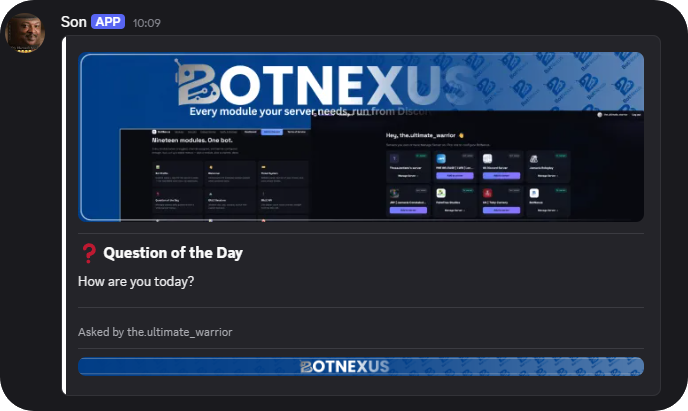
BotNexus server dashboard preview

One bot. Your choice of modules.

Browse by what you need. Turn modules on and choose channels through /botconfig.

21 modules

Security you can tune.

Enable each system separately. Set sensitivity with /security sensitivity and send logs to the channels you choose.

Manage the bot your way.

Configure modules in Discord, use the web dashboard, or draft a custom command below.

Dashboard

Your server, in one place.

Sign in with Discord to manage the servers you own or moderate. Toggle modules and send custom embeds without creating another account.

Open dashboard
Or run /botconfig directly in your server.
Command builder

Draft a custom slash command.

Generate the instructions, then create the command in your Discord server.

YOUR DISCORD INSTRUCTIONS
Add a command name and choose a response type to get started.

Explore BotNexus before setup.

Switch between a quick overview, the dashboard and security features.

Configure once. Let the bot handle the routine.

Choose the modules your server needs, assign channels and roles, then let BotNexus take care of repeat tasks while your team focuses on the community.

BotNexus overview demonstration

Frequently asked questions.

Is BotNexus free?

Yes. All listed modules are free to invite and use. BotNexus Premium is optional and adds extra features.

How do I set it up?

Invite the bot, then configure modules in Discord with /botconfig. You can also sign in to the web dashboard. The Help Center has guides and demos.

What permissions does it need?

The current invite link requests Administrator access (permissions=8). Review the permissions on Discord's invite screen before approving. Individual features may need permissions such as managing roles or messages, or moderating members.

How does server protection work?

Automod, antinuke, antiraid and webhook protection can be configured separately. Tune sensitivity with /security sensitivity; the optional Honeytrap module can be enabled for spam detection.

What data is saved?

Server configuration, moderation records, API settings and suggestion auto-close settings are stored so they persist between restarts. See the Terms & Policies for the current details.

Can I make custom embeds?

Yes. The dashboard includes an embed builder for Components V2, with configurable colours, banners and divider lines.